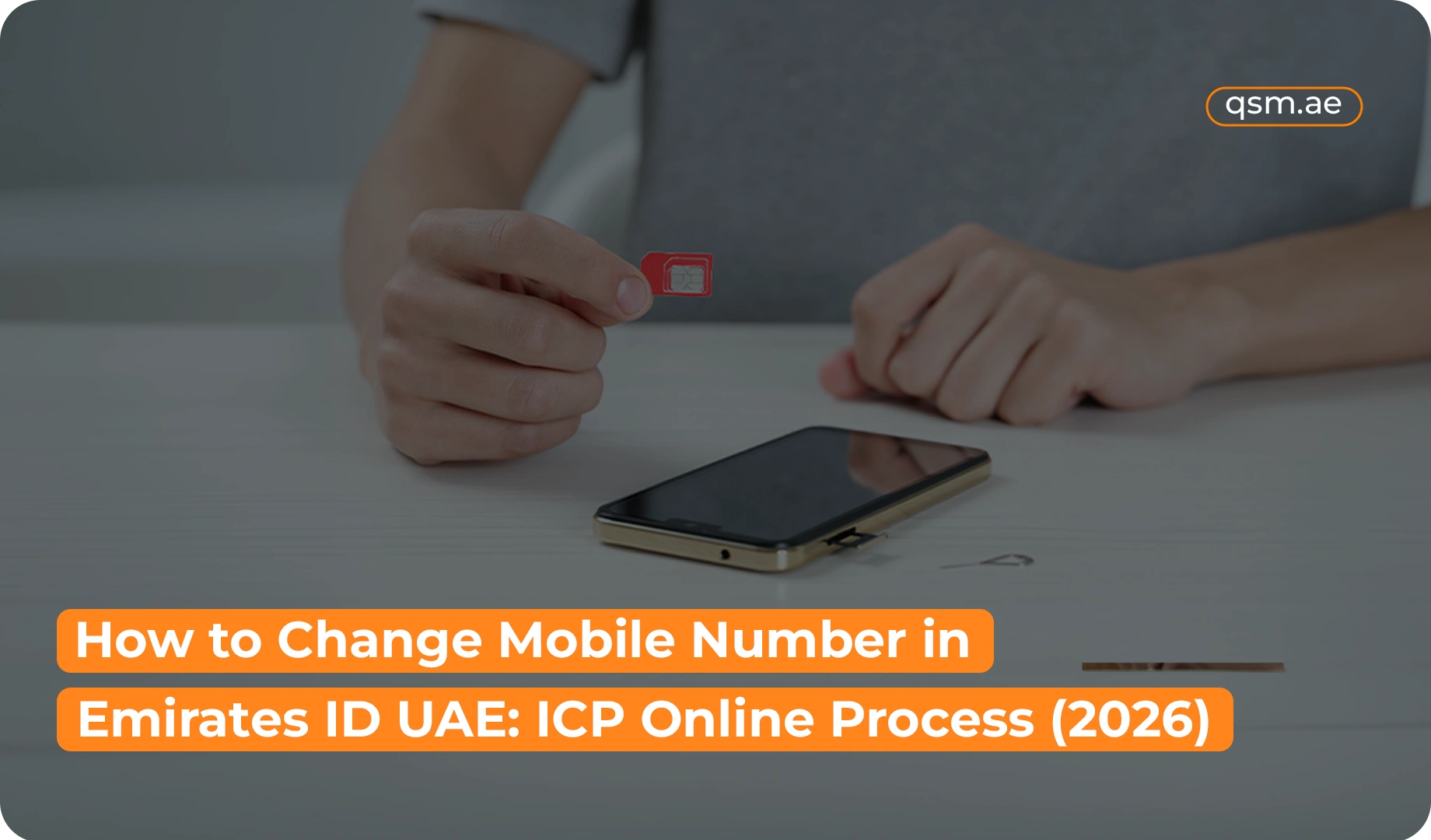

Have you switched to a new phone number in the UAE? If your previous number is still associated with your Emirates ID records, updating it should be on your to-do list. An active contact number can help you stay reachable for official communication and avoid difficulties when accessing certain online services.
The Federal Authority for Identity, Citizenship, Customs and Port Security (ICP) provides digital services that allow eligible residents to update certain personal details. Through the relevant data update service, you may be able to change your registered phone number without visiting a service centre.
This guide explains how to change mobile number in Emirates ID records in 2026, how to use ICP Smart Services, what information you may need, and what to do if you cannot access your old SIM card.
Quick Answer: How to Change Mobile Number in Emirates ID
You can request an Emirates ID mobile number update through the official ICP Smart Services website or app. Sign in using the available authentication method, locate the Data Update service, enter your new contact number, check your information, and follow the payment and submission instructions shown on the screen.
Here is the general process:
- Open the official ICP Smart Services portal or app.
- Sign in using the supported authentication method.
- Find the Data Update service.
- Enter your new mobile number and review your details.
- Pay any fee displayed for your application.
- Submit the request and check its status.
The exact steps may vary depending on your account and the service options currently available.
Why Is an Emirates ID Mobile Number Update Important?
Your contact number is one of the personal details associated with your official records. If you continue using an old number after switching SIM cards, you could miss communications or face difficulties with services that rely on your registered contact information.
An Emirates ID contact details update can help you:
- Keep your information current: Make sure the number associated with your records is one you actively use.
- Receive official communications: Reduce the chance of missing relevant messages sent to your registered contact number.
- Avoid verification problems: Some online services may use your registered contact details as part of their verification process.
- Manage digital services more easily: Accurate information can make it easier to handle administrative tasks.Accurate contact details make it easier to handle administrative tasks like visa cancellation or family visa cancellation without OTP delays.” ennu natural aayi add cheythu link nalkuka
- Meet applicable reporting requirements: UAE residents should report changes to personal details within the required period.
If your phone number has changed, check which official records need updating instead of assuming that changing it in one place updates every account automatically.
How to Change Mobile Number in Emirates ID UAE Through ICP
The ICP mobile number update process is designed to be accessible through official digital channels. Before starting, make sure you have access to your account and know the new number you want to register.If your SIM was lost along with your wallet or ID, and you are dealing with a lost passport or ID replacement, ensuring your contact info is updated is the crucial first step
Step 1: Open the Official ICP Portal
Visit the ICP Smart Services website or open the official ICP Smart App on your phone.
Use the official platform to protect your personal information. Avoid entering Emirates ID details or login credentials on websites that are not authorised to handle government applications.
Step 2: Log In to Your Account
Choose an available sign-in method and complete the authentication process. UAE Pass may be required for accessing the relevant Data Update service.
If you cannot sign in, check your account access first. You may need to recover your credentials or follow the support instructions provided by the relevant service.
Step 3: Find the ICP Data Update Service
After logging in, look for the Data Update option under the relevant identity card services.
This is the service to check when you want to update details such as your mobile number, email address, or residential address. It is different from applying for an Emirates ID renewal or replacement.
Service names and menu locations may change as the portal is updated, so follow the current instructions displayed on the official website or app.
Step 4: Enter Your New Contact Number
Select the relevant field and enter the phone number you want to associate with your records.
This is the main step when you want to change the contact number in Emirates ID records. Check every digit carefully before continuing. If the portal requests a particular number format or additional verification, follow the instructions on the screen.
Step 5: Review Your Personal Information
Check the details displayed in the application before submitting it. Make sure the new number is correct and that you have not accidentally changed other information.
If your only requirement is a phone number change, there is generally no reason to alter unrelated personal details.
Step 6: Check the Fee and Complete Payment
Review the amount shown by the system, if a fee applies to your request. Complete payment using the available approved method and save the transaction confirmation.
The amount may depend on the service category. If you use a typing centre for assistance, confirm whether its service charge is separate from the government fee.
Step 7: Submit and Track Your Request
Submit the application and retain any reference number or confirmation message.
Check the application status through the available ICP services. Do not assume the update is complete simply because you have submitted the request; confirm that your new contact information has been accepted and reflected in the relevant records.
What Information Do You Need to Update Your Emirates ID Phone Number?
The documents or information required can depend on the service and your individual circumstances. For the general Data Update service, ICP indicates that document attachments may not be required, but applicants still need to complete the identity verification and information-entry steps requested by the system.
Keep the following details available:
- Your Emirates ID information
- Your new mobile number
- Access to your UAE Pass account, if required
- Your email address, if you also intend to update it
- Any additional details requested by the official portal
If you are making changes for a dependent or another family member, check whether the request must be completed through the sponsor’s or head of household’s account.
Always follow the current instructions provided by ICP rather than relying on a document checklist from an older application guide.
How Much Does It Cost to Change a Registered Mobile Number in the UAE?
The cost of an Emirates ID information update depends on the applicable service and fee category. There is no single amount that should be assumed for every applicant without checking the current requirements.
When using ICP Smart Services, review the fee information displayed for your selected request before making payment. If the portal provides different categories, choose the one that matches your circumstances.
If you need assistance from a typing centre, ask for a breakdown of the charges. This helps you distinguish between any government fee and the centre’s own service fee.
For the most accurate amount in 2026, use the official ICP portal and confirm the total before submitting your payment.
How Long Does an Emirates ID Mobile Number Update Take?
Processing time can vary depending on the application and whether any additional checks are necessary. Although the service is available online, you should not assume that every request will be completed instantly.
To help avoid delays:
- Enter the correct number.
- Review your details before submitting the application.
- Complete any required verification.
- Pay the applicable fee, if requested.
- Check your application status after submission.
If the old number continues to appear, check whether your request has been processed. If the application shows as completed but the information is still incorrect, contact ICP for assistance.
What If You No Longer Have Access to Your Old Number?
Losing access to your previous SIM card is a common reason people need to update their registered contact information. However, it can also make verification more complicated if an account or service relies on the old number.
If you cannot receive messages on your previous number, try the following:
- Check UAE Pass access. If you can authenticate through UAE Pass, see whether you can access the relevant ICP service.
- Review the available verification options. Follow the alternatives displayed by the official portal, if any.
- Contact ICP support. Explain that you no longer have access to the number associated with your records and ask how to proceed.
- Seek in-person assistance if necessary. If the online process cannot verify your identity, ask the authority which customer service channel is appropriate.
You may not need to recover your old SIM card in every situation, but the available alternatives depend on your account and the verification rules in effect.
Also, remember that an Emirates ID information update does not necessarily change the phone number registered with your bank, telecom provider, UAE Pass account, or other digital platforms. Update those accounts separately where necessary.
Can You Update a Family Member’s Emirates ID Contact Details?
Family-related updates may need to be handled through a different account. ICP specifies that personal information for family members should be updated through the personal account of the sponsor or head of household.
For example, if you need to update a dependent’s registered number, check whether the family member’s record is accessible through the relevant sponsor’s account.
Follow the instructions shown by the portal and confirm that you have selected the correct person’s record before submitting the change.
Common Problems When Updating Your Emirates ID Phone Number
Sometimes an online request cannot be completed on the first attempt. Identifying the issue can help you choose the right next step.
Login or Authentication Problems
If you cannot access your account, check your sign-in details and UAE Pass access. If the problem persists, use the official support options available for the service.
The New Number Is Rejected
Check the number for typing errors and make sure it follows the format requested by the portal. If the system continues to reject it, contact the relevant support team.
Payment Issues
Before attempting another payment, check whether the previous transaction was successful. Keep the payment reference and contact the service provider if the status is unclear.
The Update Has Not Appeared
Review your application status and allow for the processing required by your request. If the application is marked complete but the number remains incorrect, contact ICP rather than repeatedly submitting the same request.
You Need Help Completing the Process
If you are unable to use the online service, ask ICP which assistance channel is appropriate for your circumstances. An authorised typing centre may also be able to help with the relevant procedures it offers.
Important Things to Know Before Updating Your Emirates ID Information
Before completing an ICP mobile number update, keep these points in mind:
- Report changes promptly: UAE government guidance requires Emirates ID holders to report changes to personal details to ICP within the applicable reporting period, generally one month.
- Choose the correct service: A contact number change is different from an Emirates ID renewal or replacement.
- Verify the latest charges: Check the amount shown by the official system instead of relying on an old fee estimate.
- Protect your information: Never share your passwords or verification codes with unauthorised individuals.
- Update other accounts separately: Your phone number may also be stored with banks, telecom providers, and other government services.
- Keep your confirmation: Save your application or payment reference until the updated details are visible.
These precautions can help you manage your records more confidently and reduce avoidable issues with online services.
How QSM Typing Services in Dubai Can Help
Updating personal information online can be confusing if you are unfamiliar with the portal or encounter a verification issue.
QSM Typing Services in Dubai can guide customers on the typing and documentation assistance available for relevant UAE government procedures. If you need help with an Emirates ID contact details update, contact the centre first to confirm whether this particular service is available.
Before seeking assistance, keep your Emirates ID details and new mobile number ready. Ask about any service charges in advance so you understand the costs involved.
For questions about eligibility, account verification, or the status of your official records, ICP is the appropriate authority. Always check the current instructions through the official portal.
Conclusion
Keeping your registered phone number current is an important part of maintaining accurate Emirates ID records. If you need to change mobile number in Emirates ID records in 2026, start by checking the Data Update service through ICP Smart Services or the official app.
The process generally involves signing in, entering the new number, reviewing your information, paying any applicable fee, and submitting the request. If you cannot access your old SIM card or encounter a verification problem, contact ICP to find out which alternatives are available.
Once the change is processed, check that the new number appears correctly in your records. For assistance with the relevant typing or documentation process, contact QSM Typing Services in Dubai and confirm which services it currently offers.