
If you work in the UAE private sector, keeping a copy of your employment contract is important for checking your salary, job title, employment terms, and other workplace conditions. Fortunately, employees can use the Ministry of Human Resources and Emiratisation (MOHRE) digital services to view their registered employment contract and access a copy online.
If you want to download labour contract UAE records for personal use, a bank application, a visa-related procedure, or employment verification, this guide explains the available options, the information you need, and what to do if your contract does not appear online.
Quick Answer: How to Download Your UAE Labour Contract Online
To download your UAE labour contract, visit the official MOHRE employment offers and contracts inquiry portal. Select the relevant service, enter the requested details, such as your transaction number, passport number, nationality, and date of birth, and complete the verification step. If your contract is available, you can view it and access the contract document.
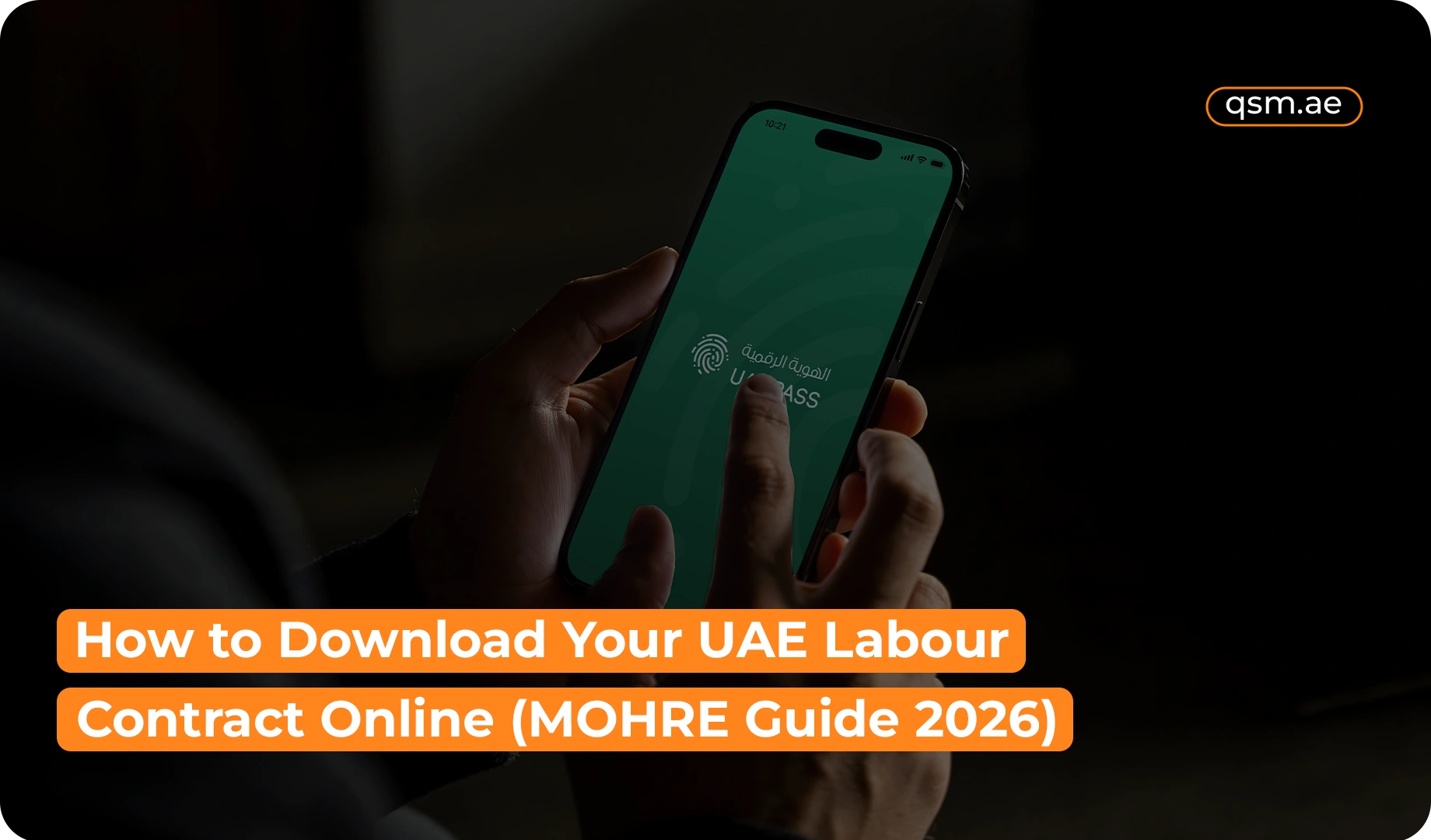
You can also use the official MOHRE mobile application to access employment-related services. The exact steps depend on your records and the service available for your employment status.
What Is a UAE Labour Contract?
A UAE labour contract is an official employment document that records the terms and conditions agreed upon by an employer and an employee. For private-sector employees covered by MOHRE, the registered contract helps establish the terms of the employment relationship.
Your contract generally includes important information such as:
- Employee and employer details
- Job title and nature of work
- Basic salary and other agreed compensation
- Employment start date and contract duration
- Workplace and employment conditions
- Rights, obligations, and applicable contractual terms
Your employment contract is different from your residence visa, Emirates ID, and work permit. These documents serve different purposes, although they may be connected to your employment status.
The UAE government explains that an employment contract should specify the type of work, workplace, salary, duration, and other employment terms. Keeping a copy can help you confirm these details when needed.
How to Download Labour Contract UAE Online Through MOHRE
The official MOHRE portal provides an online option for viewing employment offers and contracts. Follow these steps to check whether your registered contract is available.
Step 1: Open the Official MOHRE Contract Inquiry Portal
Visit the MOHRE Employment Offers and Contracts Inquiry page.
This portal allows users to select services related to job offers and employment contracts. It is the recommended starting point when you want to view your registered contract online.
Step 2: Select the Relevant Service
Choose the service that matches your requirement. The portal may display options related to a job offer, a work permit with a job offer, or work permit renewal.
Follow the on-screen instructions for the applicable transaction. Selecting the correct service helps you retrieve the relevant record.
Step 3: Enter Your Required Details
The portal’s contract inquiry option requests specific information to identify the employment record. Depending on the service, you may need:
- Transaction number
- Passport number
- Nationality
- Date of birth
- Verification code or CAPTCHA
Enter the details exactly as recorded in your official documents.
Important: You generally cannot retrieve a contract through the inquiry page using only your passport number. The portal requests additional details, including the transaction number, to identify the relevant record.
Step 4: View Your Employment Contract
Complete the verification process and select the option to view your contract. If a matching record is available, the system will display the contract for review.
Check that your name, employer details, job title, salary, and other employment terms are correct.
Step 5: Save the Contract as a PDF
If the contract is displayed as a PDF or provides a download or print option, save a copy to your device.
If the document opens in your browser without a dedicated download button, check the available document controls or use the browser’s print option to save it as a PDF, where supported.
This completes the basic download employment contract UAE process when your contract is available through the portal.
How to Download Labour Contract Using Passport Number
Many employees search for a way to download labour contract using passport number because they may not have their work permit details readily available.
The official MOHRE inquiry portal does request a passport number for its contract-viewing service. However, passport details alone are not sufficient for this particular inquiry.
To check your contract:
- Open the official MOHRE contract inquiry portal.
- Select the appropriate contract service.
- Enter your transaction number and passport number.
- Choose your nationality and enter your date of birth.
- Complete the CAPTCHA and submit the information.
- View the contract if the system finds a matching record.
If you do not know your transaction number, check your employment paperwork, or if you cannot retrieve your details due to a lost passport, contact your employer or MOHRE for guidance.
How to Download Labour Contract Using Emirates ID
If you want to download labour contract using Emirates ID, you should know that the public contract inquiry page described above asks for a transaction number and passport details rather than offering a simple Emirates ID-only search.
You can try the following alternatives:
- Use the MOHRE mobile application: Check the employment services available for your account. The official MOHRE app allows employees to access employment-related information and services.
- Ask your employer or HR department: Request a copy of your registered employment contract or the transaction details needed to retrieve it.
- Contact MOHRE: If you cannot locate your record, ask the ministry which identification details or service you should use.
You can find the official application through the MOHRE website or the relevant app store. The app’s available functions may depend on your account and employment records.
How to Download Your Contract Through the MOHRE App
The MOHRE app employment contract option is another route to check your employment information without relying solely on a desktop browser.
Here is how to get started:
- Download the official MOHRE application from a recognised app store.
- Open the application and follow the available sign-in or identity-verification instructions.
- Navigate to the employee or employment-related services.
- Look for your employment contract or relevant contract inquiry option.
- Select your available employment record and review the details.
- If a download, document-viewing, or sharing option is available, save a copy securely.
MOHRE’s official app listing states that employees can view their contracts and access other employment services. However, the menu labels and options may change as the application is updated.
Dubai Labour Contract Download: Does the Process Differ?
The Dubai labour contract download process generally follows the same MOHRE inquiry procedure when you work for a private-sector employer whose employment records are registered with MOHRE.
However, not every employee in Dubai uses the same employment authority. Some free-zone employers have separate employment documentation and procedures managed by their respective free-zone authorities.
Before attempting a MOHRE contract inquiry, confirm which authority manages your employment record.
Employment situation | Where to check |
Private-sector employer registered with MOHRE | MOHRE contract portal or app |
Employer operating under a free-zone authority | Relevant free-zone authority or employer |
Contract not appearing in the portal | Employer’s HR department or MOHRE for Guidance |
If you work in a free zone, a missing MOHRE record does not automatically mean that you have no valid employment contract. Your employment documentation may be maintained through a different authority.
How to Check UAE Labour Contract Online
If your main goal is to check UAE labour contract online rather than immediately download a document, use the official contract inquiry service to view the available record.
The MOHRE labour contract inquiry process can help you confirm whether the contract information available in the system matches your employment details.
Once you access the contract, review the following information carefully:
- Your full name and identifying details
- Employer or establishment name
- Job title and work arrangement
- Basic salary and other stated compensation
- Contract duration and employment dates
- Any additional terms recorded in the document
This process can support employment contract verification UAE, particularly when you need to confirm the details of your registered employment agreement.
If any information appears incorrect or outdated, contact your employer’s HR department or MOHRE to determine the appropriate correction procedure.
What to Do If You Cannot Download Your UAE Employment Contract
Sometimes, an employee cannot complete a UAE employment contract download because the system does not recognise the submitted details or the relevant record is unavailable.
Consider these possible causes and solutions.
1. Your Transaction Number Is Incorrect or Missing
The inquiry service requires a transaction number. Check your employment documents or ask your employer to provide the relevant information.
2. Your Personal Details Do Not Match
A difference in your passport number, nationality, or date of birth may prevent the system from identifying your contract. Enter the details exactly as recorded in your documents.
3. Your Employment Record Is Not Available
Your contract may not yet be registered, the record may need updating, or the relevant employment documentation may be maintained by another authority. In some cases, your record might be blocked due to an unresolved absconding case. If you have overstayed due to such issues, you may need to apply for an outpass or complete an outpass cancellation to clear your legal status.
Contact your employer to confirm the status of your contract
4. You Work for a Free-Zone Company
Some free-zone employees need to request their employment contracts through the relevant free-zone authority instead of MOHRE.
5. The Website or App Is Not Working
Try again later, check your internet connection, or use another official access method. If the issue continues, contact MOHRE for assistance.
You can reach MOHRE through its official website or call its customer contact centre at 600 590000. Confirm the available contact options on the official website before contacting the ministry.
What Is Included in a UAE Labour Contract PDF?
Once you complete the UAE labour contract PDF download, review the document rather than saving it without checking its contents.
Your contract may include:
- Employee and employer identification details
- Job title and description of work
- Salary and payment-related terms
- Contract start date and duration
- Workplace and agreed working conditions
- Electronically recorded signatures and ministry approval, where applicable
The exact layout depends on the contract and the record issued through the relevant authority.
Keep the UAE employment contract PDF in a secure location and avoid sharing it with unauthorised individuals. If you need to submit it to a bank, government department, or another organisation, confirm whether that organisation accepts a downloaded digital copy or requires an additional verification step.
Why Should You Keep a Copy of Your UAE Employment Contract?
Keeping a copy of your contract can be useful for several reasons.
Confirming salary and employment terms: You can refer to the written terms when checking your salary, job title, or contract duration.
Employment-related applications: Certain organisations may ask for employment documents when processing an application. Requirements vary by organisation and purpose.
Resolving workplace concerns: Your contract can help you understand the terms agreed upon with your employer and support discussions about employment conditions. Reviewing these terms is highly important before planning an employment visa cancellation, a general visa cancellation, or related procedures like an ejari cancellation prior to leaving the country
Maintaining personal records: A saved copy gives you access to important employment information even when you need to refer to it later.
Employees should also retain relevant offer letters, amendments, and other employment documents where applicable.
Can You Download a UAE Labour Contract for a Previous Job?
If you need a contract from a former employer, start by checking the official inquiry service and any employment documents you already have.
If the contract does not appear, contact the former employer’s HR department or MOHRE to ask how you can access the relevant record.
The availability of a previous contract may depend on the record, the information you can provide, and the service through which it was registered. Do not assume that every historical employment document will automatically be available through the same online process.
How QSM Typing Services in Dubai Can Help
Finding the correct government service or entering the required details can sometimes be confusing, especially when you need an employment document for an official application.
QSM Typing Services in Dubai can help you understand the documentation process and identify the appropriate next steps for your requirements.
Whether you need guidance on the MOHRE portal, help understanding the information requested, or assistance with related typing and documentation services, you can contact QSM Typing Services in Dubai for support.
Keep in mind that the availability of a contract, access to official records, and approval of any government request remain subject to the relevant authority’s procedures.
Conclusion
The download labour contract UAE process is straightforward when your employment record is available through the appropriate government service. Employees whose contracts are registered with MOHRE can begin by using the official contract inquiry portal or checking the available services in the MOHRE mobile application.
Keep your transaction number and identification details ready, verify the information in the contract, and save a copy securely for future reference. If your contract is not available, contact your employer or the relevant authority to confirm where the record is maintained.
For assistance with employment-related documentation and government service procedures, contact QSM Typing Services in Dubai.