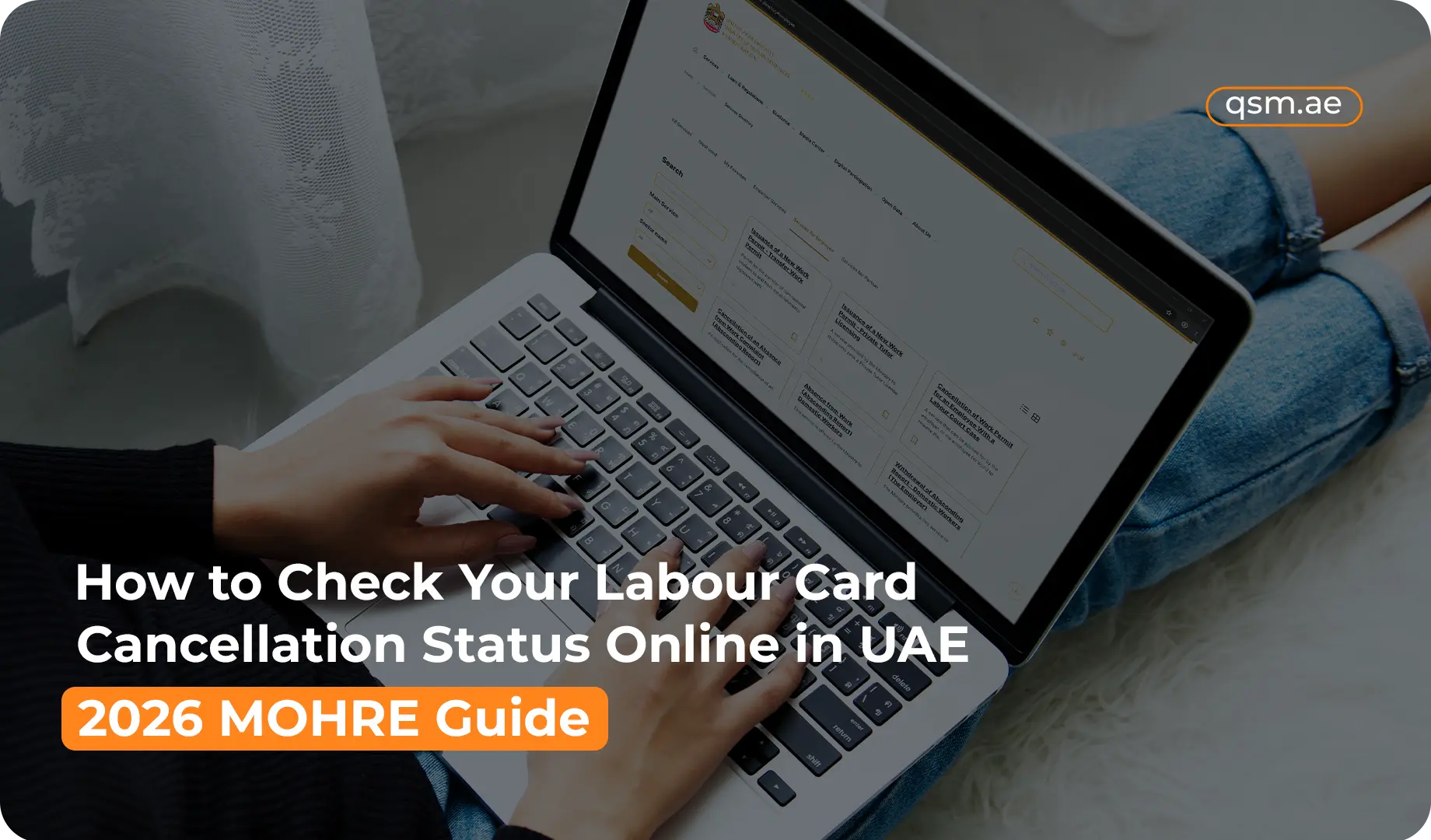

Quick Answer: You can check your labour card cancellation online in UAE through the MOHRE online portal at mohre.gov.ae or the MOHRE smart application using your transaction number, application number, Emirates ID, or passport details. Navigate to enquiry services, enter your details, and the system displays your current work permit cancellation status within seconds. No office visit needed, and the service runs around the clock.
When an employment relationship ends in the UAE, most employees focus on the visa and the grace period. What often gets missed is the labour card cancellation through MOHRE, which must be completed before the visa cancellation can even begin.
Knowing how to check your labour card cancellation online in UAE means you are never left waiting without answers, and you can follow up immediately if something is holding the process back.
What Is a Labour Card and Why Does Cancellation Matter
A labour card is the official MOHRE-issued document that authorises a foreign national to work for a specific employer in the UAE. It is tied to the registered employment contract and linked directly to the employee’s residence visa.
Every private sector worker holds one, and it must be formally cancelled through MOHRE when employment ends. Here is why that matters:
For employees:
- An uncancelled labour card keeps you registered under the previous employer in the MOHRE system
- A new employer cannot issue a fresh work permit until the old record is cleared
- The visa cancellation through ICP or GDRFA cannot be processed until MOHRE confirms the labour card is closed
- Your 30-day grace period does not begin until the visa cancellation is complete
For employers:
- An uncancelled labour card keeps the employee on the company’s MOHRE headcount quota
- This directly restricts how many new staff the company can hire until the record is cleared
Checking your labour card status check UAE as soon as you expect the cancellation to be submitted keeps both sides informed and avoids delays stacking up unnoticed.
How the Cancellation Process Works Before You Check
Before a status appears in the system, a specific sequence of events needs to happen. Understanding this helps you know where to follow up if nothing is showing yet.
Step 1 – Employer submits the request: The employer files a work permit cancellation request through the MOHRE online portal or at a registered Tasheel center in Dubai or another emirate. They enter the employee’s details, state the reason for cancellation, and pay the applicable fee.
Step 2 – MOHRE reviews the record: MOHRE cross-checks the employment record for any unresolved complaints, outstanding fines, or pending issues. If the record is clean, the request moves forward. If anything is flagged, the cancellation is held until it is resolved.
Step 3 – Status is updated: Once MOHRE processes the cancellation, the work permit cancellation status is updated in the system. This is when it becomes visible through the enquiry services function on the portal and app.
Step 4 – Immigration cancellation follows: After the labour card is cancelled, the employer or sponsor submits the residence visa cancellation to ICP or GDRFA. The 30-day grace period begins from that date.
The transaction number generated at Step 1 is the most useful reference for tracking everything that follows.
How to Check via the MOHRE Online Portal
The MOHRE online portal at mohre.gov.ae is the primary platform for checking labour card cancellation online in UAE. It works on any browser, is available in Arabic and English, and requires no login for basic status checks.
Follow these steps:
- Go to mohre.gov.ae
- Click on enquiry services from the main navigation menu
- Select work permit or labour card status inquiry
- Enter one of the following: your transaction number or application number, your Emirates ID number, or your passport number and nationality
- Submit the enquiry
- The system displays the current work permit cancellation status linked to that record
The result appears instantly and will show exactly where your cancellation stands, whether it is active, under processing, or fully cancelled.
How to Check via the MOHRE Smart Application
The MOHRE smart application is the mobile version of the portal and offers the same enquiry services in a faster, cleaner interface. It is free to download on iOS and Android and is ideal for checking your labour card cancellation online in UAE on the go.
Steps to follow:
- Download the MOHRE smart application from the App Store or Google Play
- Open the app and log in if you have an account, or proceed as a guest for basic enquiries
- Tap enquiry services from the main menu
- Select labour card or work permit status inquiry
- Enter your transaction number, Emirates ID, or passport number
- Submit and view the status on screen
If you have a registered account and notifications enabled, the MOHRE smart application will alert you automatically when your status changes. This removes the need to check manually each time.
The app is also useful for employees who are already outside the UAE and need to confirm their work permit cancellation status before making travel or job decisions.
What Your Status Result Means
When you check your labour card cancellation online in UAE, the system returns one of several status descriptions. Here is what each one means:
Status | What It Means |
Active or Valid | The labour card is still registered. The employer has not yet submitted the cancellation request, or MOHRE has not processed it yet. |
Cancellation in Progress | The request has been submitted and MOHRE is reviewing it. Normal processing takes one to three working days. |
Cancelled | The labour card cancellation is fully complete. The immigration visa cancellation can now proceed. |
Expired | The labour card reached its expiry date without renewal. This is different from cancellation and may need separate action. |
Suspended | The record has been temporarily blocked due to a complaint, fine, or unresolved MOHRE matter. Must be resolved before cancellation can proceed. |
If the status does not match what you expected, the next step is to contact MOHRE directly or visit a Tasheel center in Dubai or the nearest MOHRE Customer Happiness Centre.
What Is a Transaction Number and Where to Find It
The transaction number, also called the application number, is the reference code generated by MOHRE when a cancellation request is submitted. It is the most reliable identifier for tracking labour card cancellation online in UAE because it points directly to the specific cancellation request.
Where to find it:
- Employers receive it on the confirmation receipt after submitting through the MOHRE online portal or a Tasheel center in Dubai
- It also appears in the employer’s MOHRE account under transaction history
- Employees can request it directly from their HR or PRO department
If the transaction number is not available, your Emirates ID or passport number and nationality work as alternative identifiers in the enquiry services function. For employees who have already surrendered their Emirates ID, the passport number is the fallback option.
Common Reasons the Status Is Not Updating
If you check your labour card cancellation online in UAE and the status has not changed despite the employment ending days ago, one of these is likely the reason:
- Employer has not submitted the request yet. HR departments sometimes delay MOHRE submissions due to internal processes. Follow up directly with your employer.
- An unresolved complaint or fine is blocking the record. MOHRE will not process the cancellation until all outstanding issues on the labour record are cleared.
- Processing backlog at a Tasheel center. If the request was submitted in person, allow an extra one to two working days before checking again.
- Data entry error in the submission. A mismatch in details can cause the cancellation to be linked to the wrong record. This requires correction at a Tasheel center in Dubai or the relevant MOHRE office.
- Free zone processing delay. Free zone employees have their cancellation routed through the free zone authority first, which can add time before MOHRE updates the record.
If five working days have passed since the expected submission date and the status has still not updated, contact MOHRE on their helpline at 800 60 or visit a Tasheel center in Dubai.
When to Visit a Tasheel Center in Dubai
The MOHRE online portal and MOHRE smart application handle the vast majority of status checks without any in-person visit. However, some situations are better resolved face to face.
Visit a Tasheel center in Dubai or a MOHRE Customer Happiness Centre if:
- The online enquiry returns an error or cannot find your record using any identifier
- There is a data mismatch between the submission and your official records that needs correction with supporting documents
- Your status shows as suspended and you need guidance on how to resolve it
- The employer has not submitted the cancellation and is unresponsive, and you need to escalate formally
- You need a printed confirmation of cancellation for official submission elsewhere
Tasheel centers in Dubai are authorised MOHRE service points operated by accredited partners and are accessible across the emirate. Outside Dubai, MOHRE Customer Happiness Centres in Abu Dhabi, Sharjah, and the other emirates serve the same function.
Labour Card Cancellation and the Visa Cancellation Link
One of the most important things to understand is how labour card cancellation online in UAE connects to the visa cancellation timeline.
The two processes are sequential, not simultaneous:
- MOHRE cancels the labour card first. The work permit cancellation status must show as cancelled in the MOHRE system before the next step can happen.
- Employer submits visa cancellation to ICP or GDRFA. Once the labour record is cleared, the residence visa cancellation is filed through ICP Smart Services or the GDRFA Dubai portal depending on the emirate.
- Grace period begins from the visa cancellation date. The 30-day window only starts after the immigration authority confirms the residence visa is cancelled, not from the MOHRE cancellation date.
Employees tracking their departure or transfer timeline should check the labour card status check UAE first, then move to the ICP or GDRFA portal to confirm the visa side. Both checks take under two minutes online and give a complete picture of where the overall process stands.
Conclusion
Checking your labour card cancellation online in UAE is straightforward when you know which platform to use and what to enter. The MOHRE online portal and MOHRE smart application both give real-time access to your work permit cancellation status through enquiry services, using your transaction number, Emirates ID, or passport details.
Once the status shows as cancelled, move immediately to checking the visa cancellation through ICP or GDRFA. If the status is still active or under processing, follow up with your employer and give MOHRE the standard processing window before escalating. If the status shows as suspended, visit a Tasheel center in Dubai or your nearest MOHRE service point to resolve the block before it affects your grace period or future employment.
For employees and employers who want the labour card cancellation online in UAE process managed without the back and forth, QSM Document Clearing Services handles MOHRE submissions, status tracking, and follow-up from start to finish. Contact our team to get started